
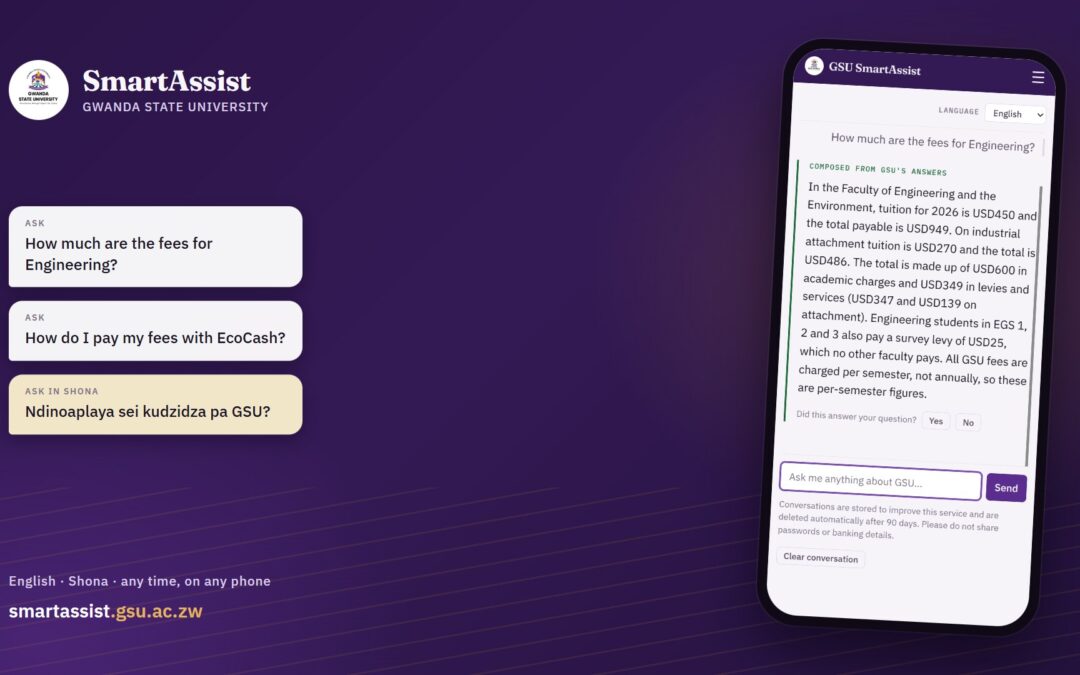
Gwanda State University has launched SmartAssist, an online assistant that answers questions about the University in seconds, in English or Shona, at any time of day.
Instead of searching the website or waiting for an office to open, students, applicants, parents and staff can type a question and get a direct answer drawn from information the University has published: fees, programmes, entry requirements, applying, registration, paying fees, the library, student services and University policies.
Try SmartAssist now at smartassist.gsu.ac.zw, or click the purple Ask SmartAssist button at the bottom right of any page on this website.
How to use SmartAssist
- Open it. Click Ask SmartAssist at the bottom right of any page on gsu.ac.zw, or go to smartassist.gsu.ac.zw on your phone or computer. There is nothing to install and no account to create.
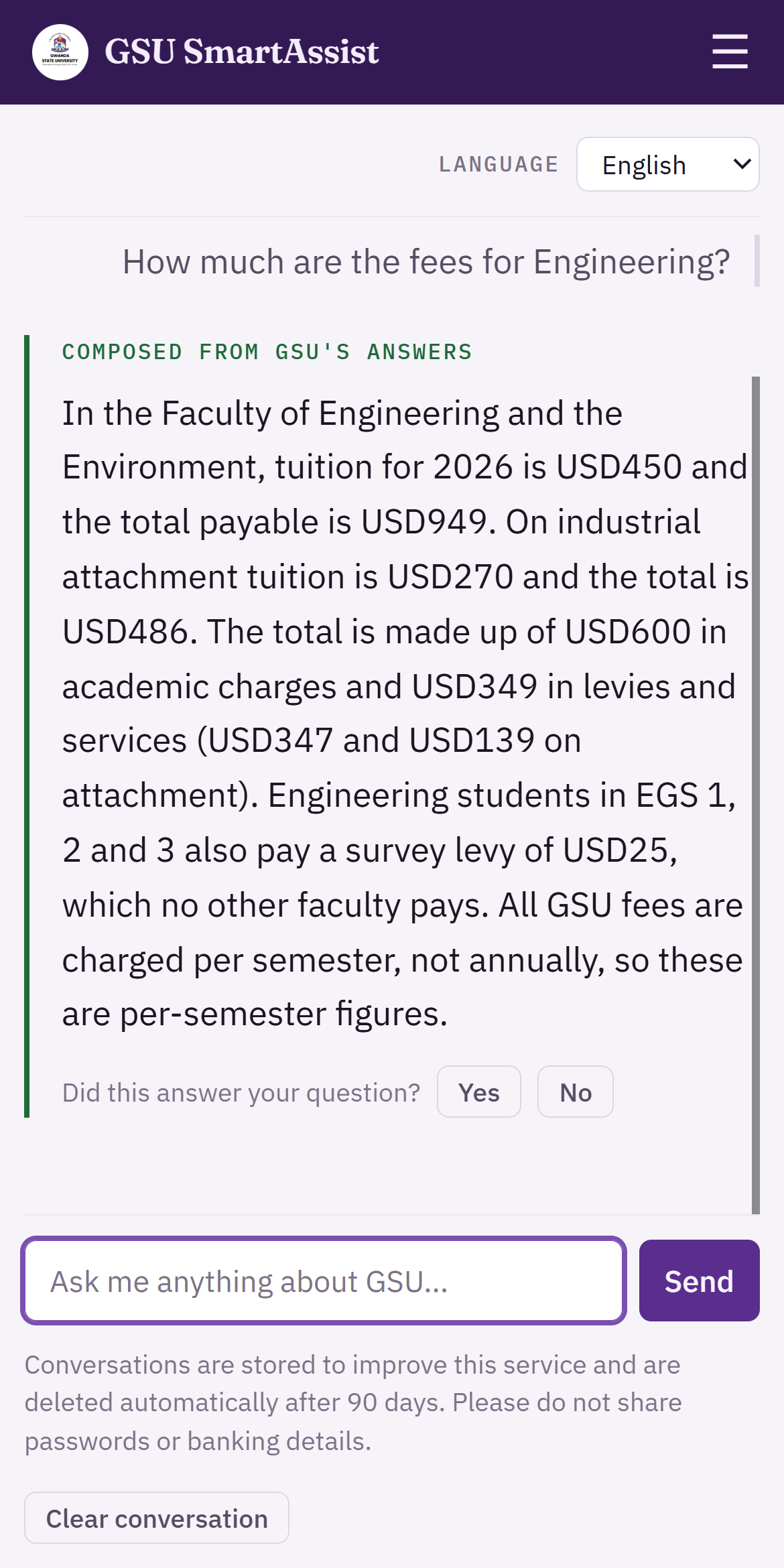
- Choose your language. Use the Language menu at the top to pick English or Shona.
- Ask your question in the box at the bottom and press Send. Write it the way you would ask a person, for example:
- How much are the fees for Engineering?
- How do I pay my fees with EcoCash?
- What are the library opening hours?
- Ndinoaplaya sei kudzidza pa GSU?
- Ask a follow-up. SmartAssist remembers the conversation, so after asking about a programme you can simply ask “and what are the fees?”
- Tell us if it helped. Under each answer, choose Yes or No for “Did this answer your question?”. This tells the University which answers need improving.
Good to know
- When it does not know, it says so. If the University has not published an answer to your question, SmartAssist will tell you and point you to the Registrar’s Office at registrar@gsu.ac.zw.
- Check anything important. SmartAssist uses artificial intelligence to put the University’s published information into a direct answer. For fees, deadlines and decisions about your studies, confirm with the office concerned before you act.
- Shona answers are machine translated and are marked as such. They are not the University’s official wording.
- Keep personal details out of the chat. Do not type passwords, banking details, ID numbers or your student number. SmartAssist answers general questions; for anything about your own record, contact the relevant office directly.
- Your privacy. Conversations are stored to improve the service and are deleted automatically after 90 days. Clear conversation, under the chat, deletes yours straight away.
SmartAssist is developed by the University’s ICT department. Questions or suggestions: icts@gsu.ac.zw.